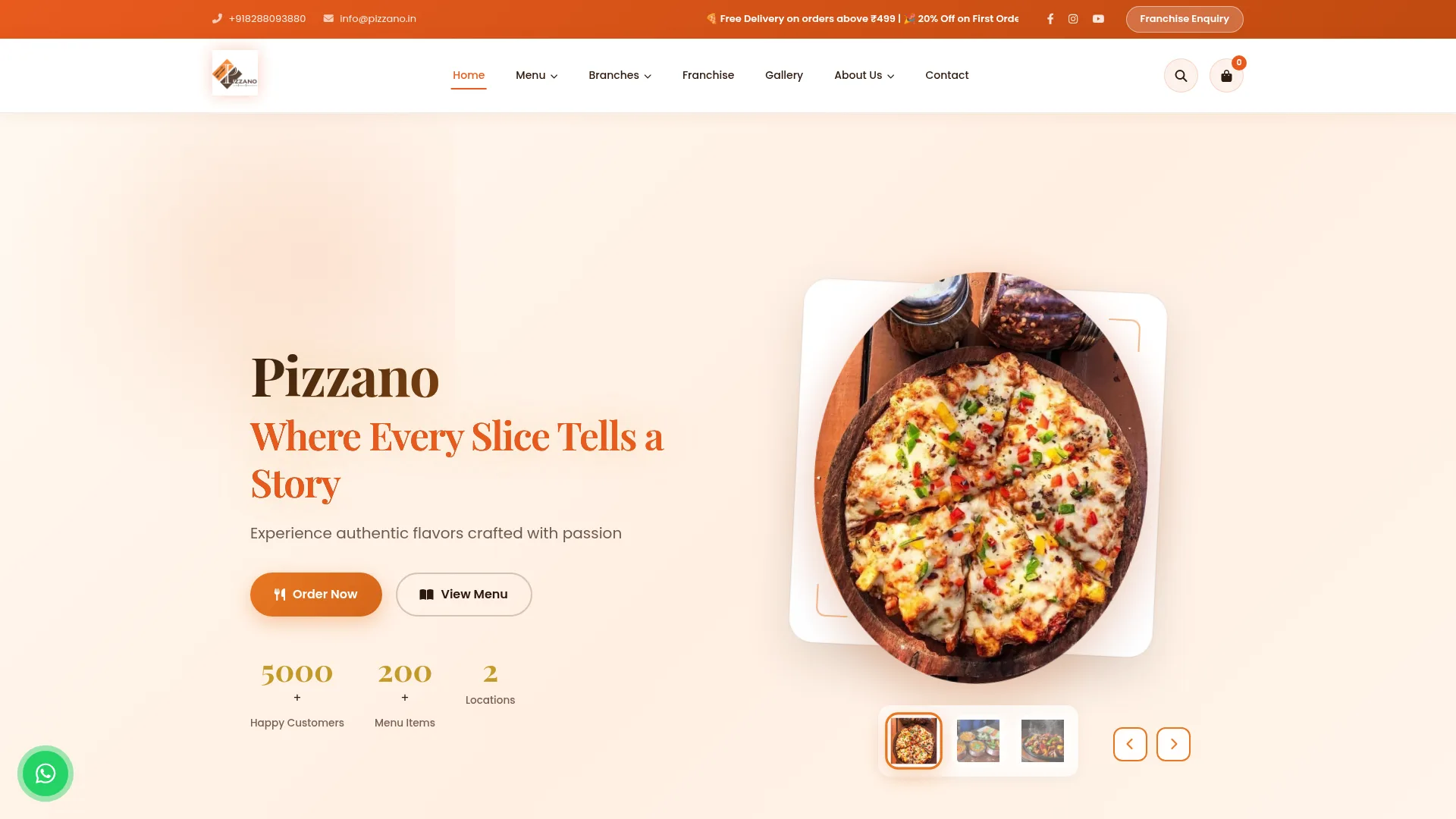
Pizzano Pizza Restaurant
A published restaurant website reference. Review its presentation and menu route; no sales result is implied.

A restaurant website should answer practical questions before a guest calls: where the venue is, when it is open, what is on the menu and how to reserve or order. Accurate, easy-to-update information matters more than decorative features.
Organize dishes into familiar sections and show supplied prices, availability and dietary notes. Offer a PDF download, and keep the main menu readable without zooming. Assign a staff owner for seasonal or sold-out updates.
Some restaurants need reservations, others need calls or an order link to an existing delivery platform. Do not build a custom checkout before confirming delivery zones, taxes, menu availability and order handling. The route should match how the kitchen can actually fulfill requests.
Make the restaurant name, address and contact details consistent with its real business listings. Add event or catering information only if the team can maintain it. Clear internal links from menu and event pages to booking or contact make the next action easy.
A restaurant website should answer practical questions quickly: what is on the menu, where the restaurant is, when it is open and how to order or make contact. Menu prices and availability need an update owner. Use readable menus and genuine food images that the restaurant has permission to publish. Keep dietary or allergen statements accurate and reviewed by the restaurant rather than inferred by the developer.
A menu and enquiry site is different from a complete online ordering system. Ordering can require item options, delivery areas, payment setup, order notifications and staff procedures. Before development, agree how changes, cancellations and unavailable items are handled. If a third-party ordering platform already serves the restaurant, compare its customer experience and fees with a custom checkout before duplicating that workflow.
These BuntyTech portfolio pages show real examples of published work. They are included for design and content review, not as claims about traffic, rankings or sales results.
A published restaurant website reference. Review its presentation and menu route; no sales result is implied.
Restaurant website cost varies with menu size, reservation flow, online ordering and third-party integrations. Ecommerce pricing is not automatically the right quote for a restaurant; describe the actual order and fulfilment process first.
For Restaurant website development, ask the written quote to spell out inclusions, exclusions, content ownership, third-party charges, payment milestones and handover. BuntyTech’s standard website prices are in the website cost guide.
It can link to an existing ordering platform or use a separately scoped order flow. Confirm menu availability, payment, delivery areas, taxes and who handles failed or cancelled orders.
A reservation form or calendar can be planned once the restaurant defines party size, time slots, confirmation and cancellation rules. A request should not be represented as confirmed unless the restaurant confirms it.
The restaurant should name an owner and decide whether staff need an admin panel. A menu that cannot be updated reliably will become inaccurate.
Common essentials are a current menu, address, hours, contact details and clear booking or ordering instructions. Add online payment only when the restaurant has chosen and approved the required provider.
An ordering flow can be scoped, but it needs decisions about menu options, delivery coverage, payment, notifications and staff handling. These functions are not implied by a basic informational site.
A content-editing option can be included if it is part of the written scope. Confirm which staff can edit the menu and how updates are checked before customers see them.
A reservation request form or booking integration can be considered. The restaurant should define available time slots, confirmation rules and who manages incoming requests.
The portfolio includes Pizzano Pizza Restaurant as a published project reference. Review the live page for presentation; it does not guarantee orders or sales.
The price depends on menu size, ordering or reservation tools, payment integration, content preparation and third-party services. Request a written scope that identifies recurring costs.
No. A site can make information and ordering easier to access, but customer demand depends on location, offer, service and promotion. Development cannot guarantee sales.
Share the project type, budget range and preferred timeline. We can review the scope and clarify deliverables before you decide whether to proceed.